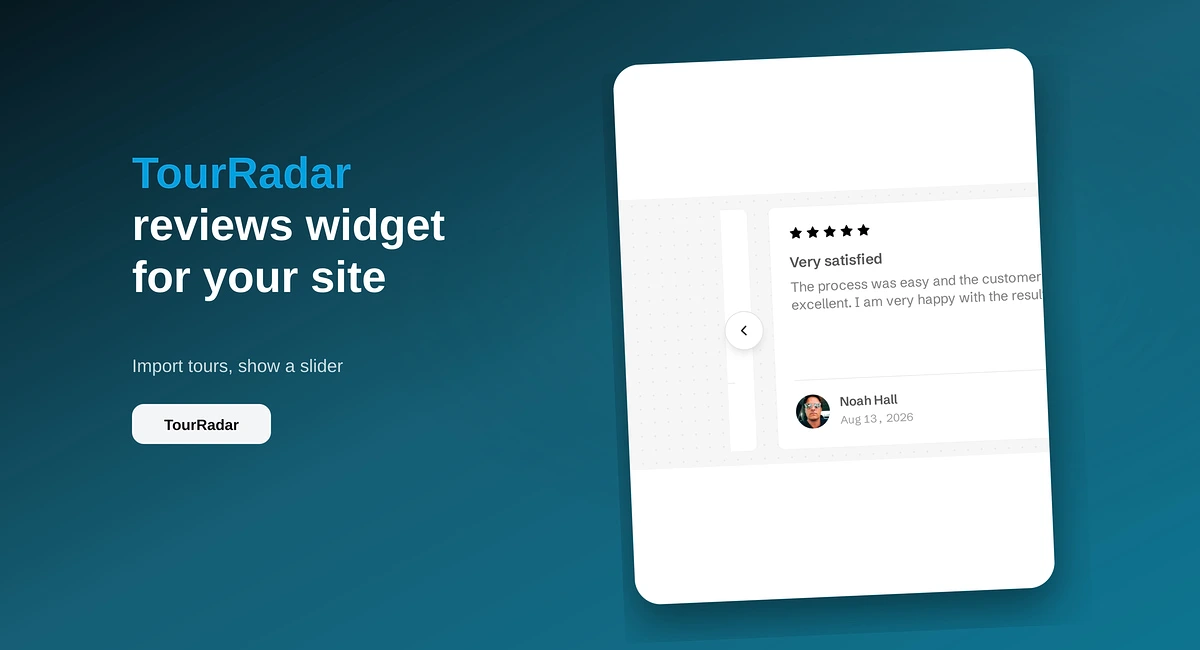
TourRadar Reviews Widget for Your Website
Put TourRadar operator reviews on your direct booking site with ReviewsJet. Chrome extension import, publish, and embed a slider widget.
Add Yelp reviews to WordPress with the ReviewsJet plugin. Connect your Yelp page, publish a short set, and place the slider shortcode.

You add Yelp reviews to WordPress by connecting your Yelp business page in ReviewsJet, publishing the reviews you want on the site, and placing a shortcode with the ReviewsJet plugin. A pasted HTML block is the path that themes and security plugins strip.
If you only need Google on WordPress, use How to Add Google Reviews to WordPress. This page is the Yelp path. The plugin install is the same. The listing you connect is not.
Open Collect in ReviewsJet and choose Yelp. Paste the business page address from the browser bar. It looks like yelp.com/biz/your-business.
By default only 5-star reviews come in. Lower that on the same screen if the page should include 4-star reviews too. Reviews already saved stay as they are.
Open Reviews and publish the ones with a concrete detail: the dish, the wait, the person who helped. A Yelp page is full of short praise. The site only needs the lines a new customer would actually read.
Free publishes 5. That is a fair first slider. Professional moves the cap to 150 published reviews and a second source, so the same widget can mix Yelp with Google.
In wp-admin, go to Plugins, Add New, and search for ReviewsJet. Install it, then Activate. The plugin opens a screen where you connect it to the ReviewsJet workspace.
In Display, choose Slider and open Add to your site with WordPress selected. Copy the shortcode in that sheet. It is an rj_slider shortcode, and the id is already your workspace. Paste that whole shortcode into a Shortcode block, an Elementor shortcode widget, or any area that accepts shortcodes.
yelp.com/search and a city results page will not import. The address that works contains /biz/ and the business name. If Collect finishes and the library stays empty, open the business on Yelp and copy that bar.
The same screen starts at 5 stars only. A busy Yelp page can arrive as a short set because of that filter, not because the import failed. Lower it for the next import when 4-star reviews belong on the site. Reviews you already saved stay as they are.
The shortcode is text WordPress runs. A Custom HTML block is a different box, and themes and security plugins delete the script inside it. The page then looks exactly as it did. Remove that block and paste the shortcode from Add to your site into a Shortcode block. The plugin install is the same one in How to Add Google Reviews to WordPress.
Elementor, and some other builders, do not run a third-party shortcode inside the canvas. You can see an empty strip while you edit, and the reviews on the published page. Update the page and look at the front end.
The slider belongs above the fold when the page only has room for a few Yelp lines. A popup is a different job: it has no shortcode, and you turn on "Show on every page" under ReviewsJet, Display, in wp-admin. The Tripadvisor version of that switch is How to Add Tripadvisor Reviews to WordPress.
Connect the Yelp page, publish a short set, and drop the slider shortcode on the page that needs local proof.
Import the reviews your customers already left, choose the ones worth showing, and put them on your site. The free plan does not ask for a card.
Put TourRadar operator reviews on your direct booking site with ReviewsJet. Chrome extension import, publish, and embed a slider widget.

Import AliExpress product reviews with the ReviewsJet Chrome extension, publish photo reviews, and embed a masonry widget on your site.
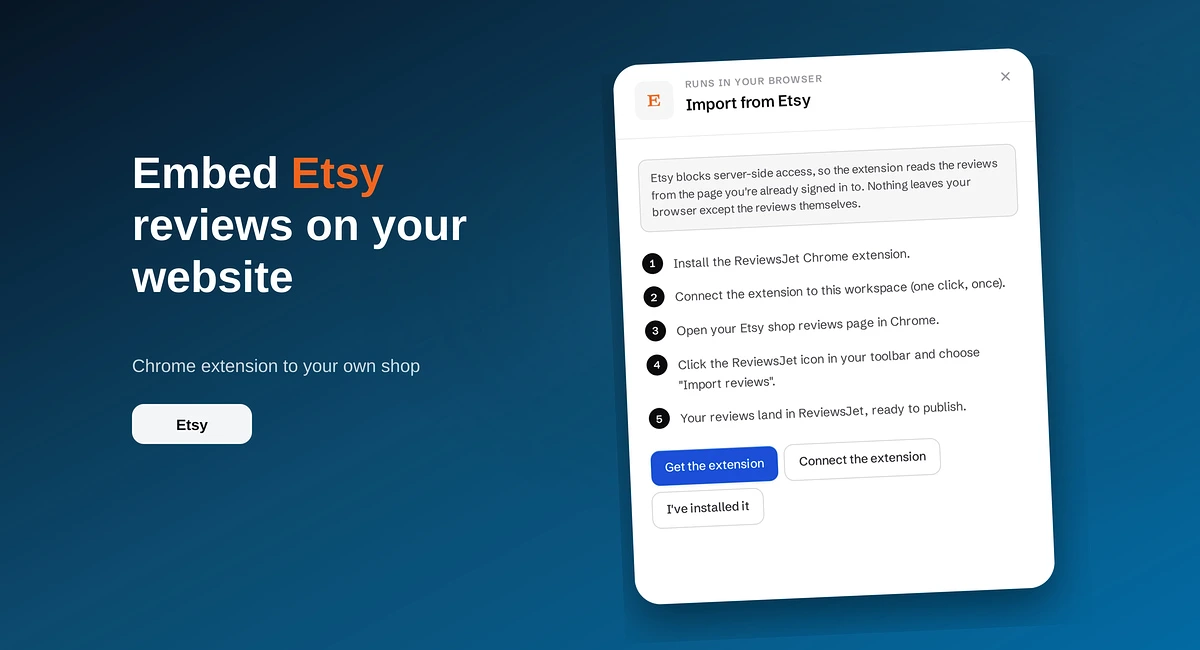
Use the ReviewsJet Chrome extension to bring Etsy shop reviews into your library, then embed a grid widget on your own site.