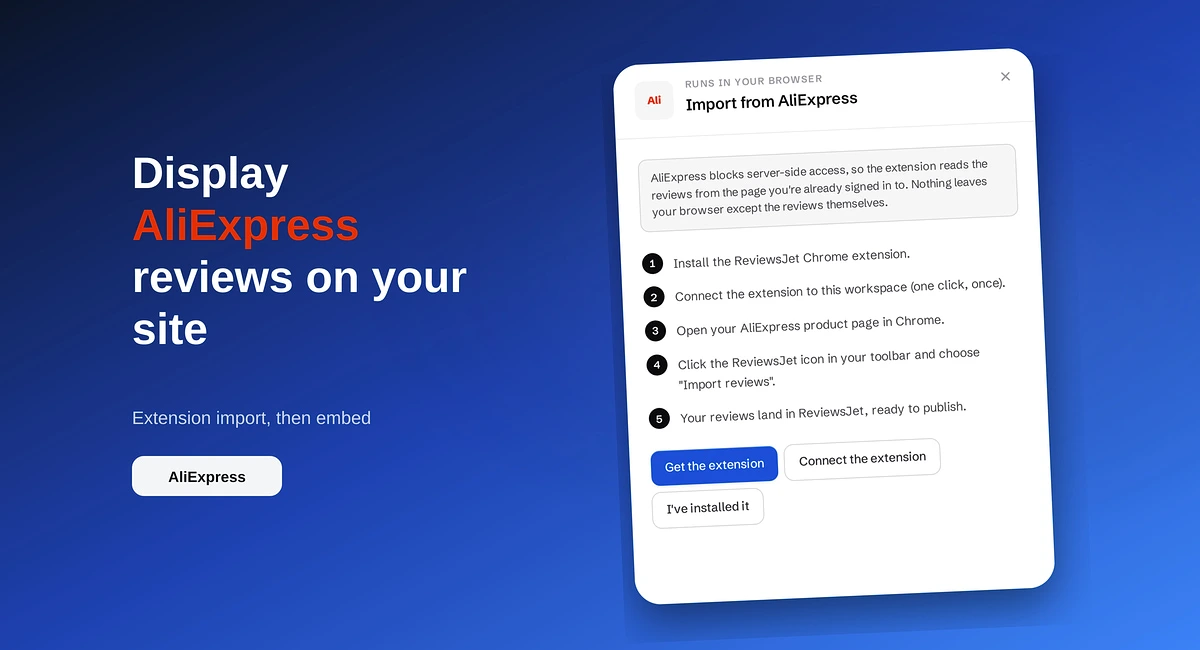
How to Display AliExpress Reviews on Your Site
Import AliExpress product reviews with the ReviewsJet Chrome extension, publish photo reviews, and embed a masonry widget on your site.
Put TourRadar operator reviews on your direct booking site with ReviewsJet. Chrome extension import, publish, and embed a slider widget.
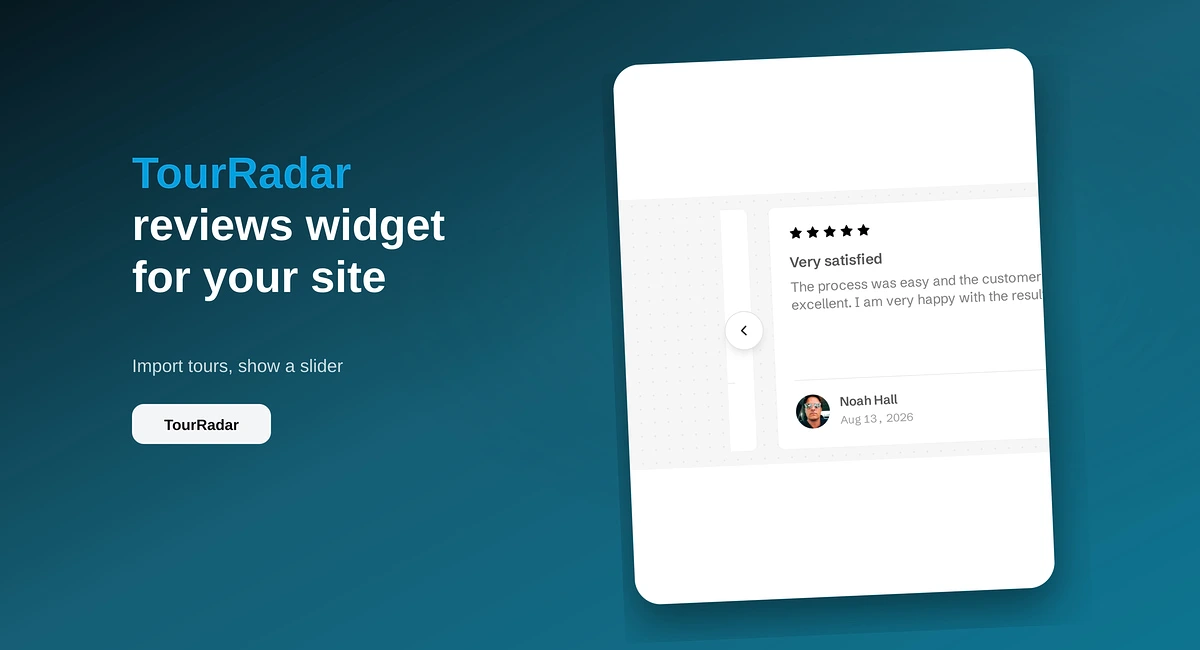
Travellers compare operators on reviews. Yours already sit on TourRadar, where they help the marketplace earn a commission. On your own booking pages those same comments work for you: they answer “is this operator safe?” without sending the guest back to a third-party checkout.
ReviewsJet is built for that job. Bring TourRadar reviews into your library with the Chrome extension, publish the trips you want to feature, and put a slider (or another widget) on the pages that ask for a direct booking. This is an extension source, not a paste-a-link connect. Widgets are unlimited on every plan. See pricing for published-review limits.
Operators spend years collecting TourRadar feedback. Guests who later find you on Google, Instagram, or a partner site often land on a homepage or tour page with no reviews at all. They either bounce or return to TourRadar to book where the stars already are.
That is expensive. Every booking that stays on the marketplace costs commission you could keep on a direct sale.
When published TourRadar reviews appear beside your itinerary, dates, and price, the guest can decide without leaving. You also choose the layout and the exact comments. A polished “testimonials” invent-block is weaker than real trip reviews with names and dates.
Hosts who sell stays face a similar direct-booking problem with Airbnb. Their connect flow is different (listing URL, no extension). That walkthrough is How to Display Airbnb Reviews on Your Website.
You do not need a long install essay. The path is short:
There is no automatic daily sync for TourRadar. Run the extension again when you want newer reviews.
Keep each page honest. If you run many tours, publish a mix that matches the trip on that URL rather than one global dump of every review you have ever earned.
If TourRadar already trusts you and your own booking site still looks empty, pull those reviews across with the extension, publish a clear set, and embed a slider on the pages that ask for the booking. Start free at app.reviewsjet.com. More on the operator flow sits on TourRadar reviews.
Import the reviews your customers already left, choose the ones worth showing, and put them on your site. The free plan does not ask for a card.
Import AliExpress product reviews with the ReviewsJet Chrome extension, publish photo reviews, and embed a masonry widget on your site.
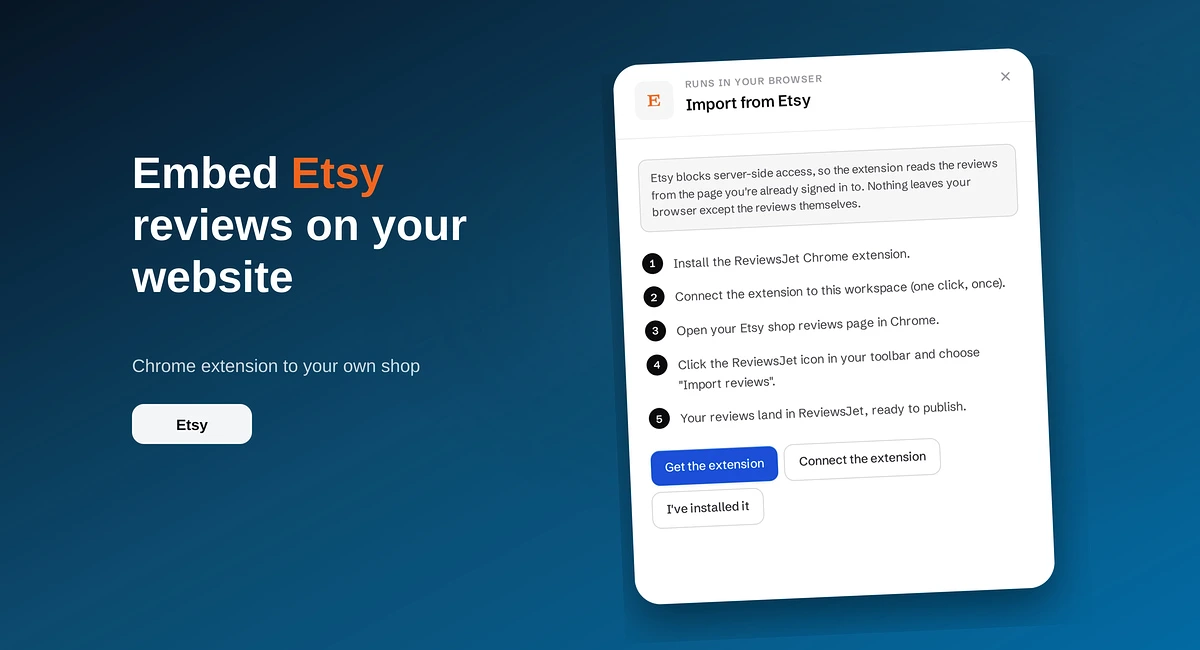
Use the ReviewsJet Chrome extension to bring Etsy shop reviews into your library, then embed a grid widget on your own site.

Add reviews to your website where people decide: homepage, product pages, services, and pricing. Build trust and sales with real customer proof.