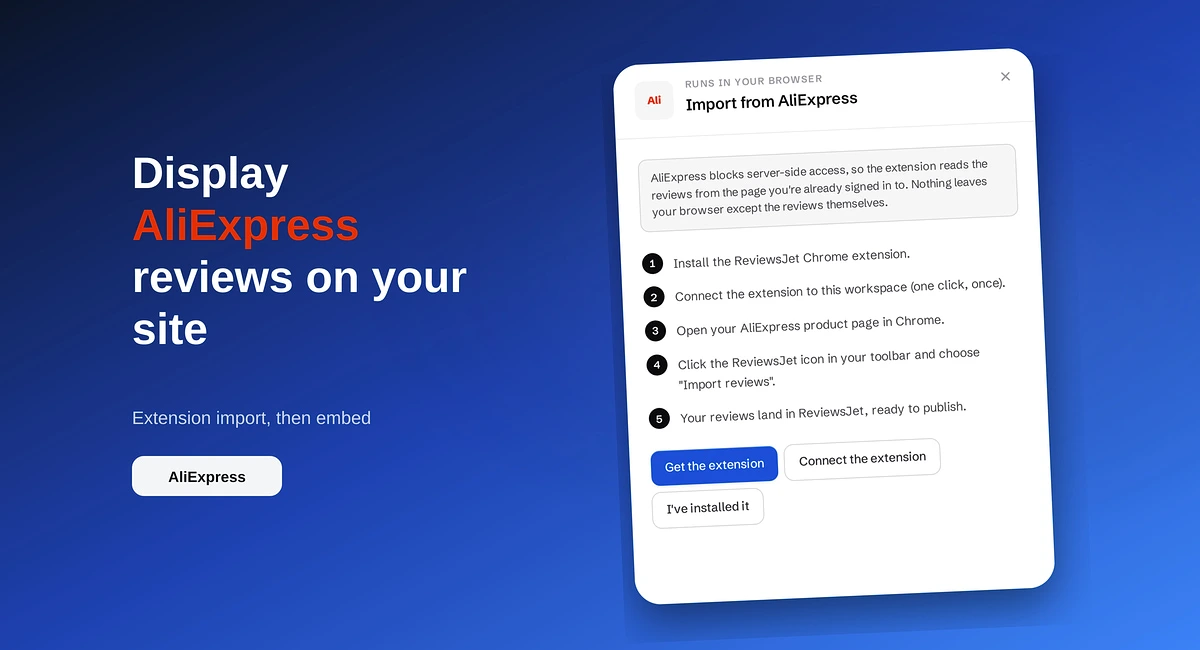
How to Display AliExpress Reviews on Your Site
Import AliExpress product reviews with the ReviewsJet Chrome extension, publish photo reviews, and embed a masonry widget on your site.
Tired of stacking WordPress review plugins? ReviewsJet collects your reviews, lets you choose what to show, and embeds them with a free plugin shortcode.

If you run a WordPress site, you already pay for hosting, a theme, and maybe a page builder. The surprise bill is often the review tools: one plugin for Google, another for forms, another for a wall of love.
ReviewsJet is built to cover that whole job in one place. You bring reviews in, choose what to show, and place them on WordPress with a free plugin and a shortcode. Widgets are unlimited on Free, Professional, and Advanced. Current limits are on pricing.
A lot of review plugins look fine at zero dollars. Then you need a second source, a nicer layout, or more reviews on the page, and the price jumps. Some tools charge for seats. Others charge for “premium” layouts or for each widget slot.
That adds up when you only wanted a homepage strip and a dedicated reviews page.
ReviewsJet charges based on how many reviews you publish and how many review requests you send each month. It does not charge per shortcode. So you can put the same reviews in more than one place without buying another license.
Most sites need three things:
In ReviewsJet you connect sources under Collect. Google, Yelp, TripAdvisor, Airbnb, and Trustpilot can be added with a public page URL. For marketplaces like Etsy or Amazon, you use the Chrome extension while you are signed in. You can also type in a review someone sent by email.
Then you publish only what you are happy to show. The widgets on your WordPress site read that published set.
Open Display, click Get the code, and choose WordPress. Install the free ReviewsJet plugin from wordpress.org, activate it, and paste the shortcode into a page, post, or widget area.
That is enough for most layouts. If you mainly care about Google Business Profile steps and Elementor, use the WordPress Google reviews guide.
Full details stay on pricing. Start free and move up when you hit a limit.
A masonry or grid layout works well on a reviews page. A slider or marquee is better above the fold when you want a few reviews rotating. A popup stays available without taking over the layout. Pick the layout for the page, not the other way around.
If you are tired of stacking review plugins on WordPress, create a free ReviewsJet account, connect the reviews you already have, install the plugin, and drop a shortcode on the page that needs trust. Compare plans anytime on pricing.
Import the reviews your customers already left, choose the ones worth showing, and put them on your site. The free plan does not ask for a card.
Import AliExpress product reviews with the ReviewsJet Chrome extension, publish photo reviews, and embed a masonry widget on your site.
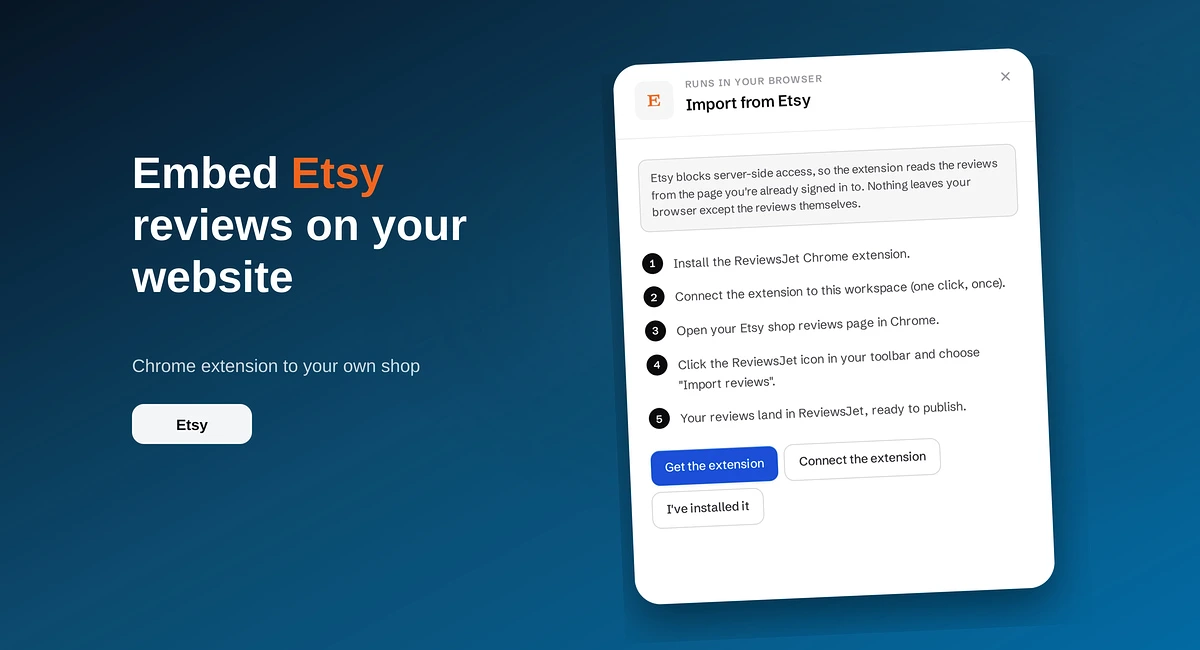
Use the ReviewsJet Chrome extension to bring Etsy shop reviews into your library, then embed a grid widget on your own site.
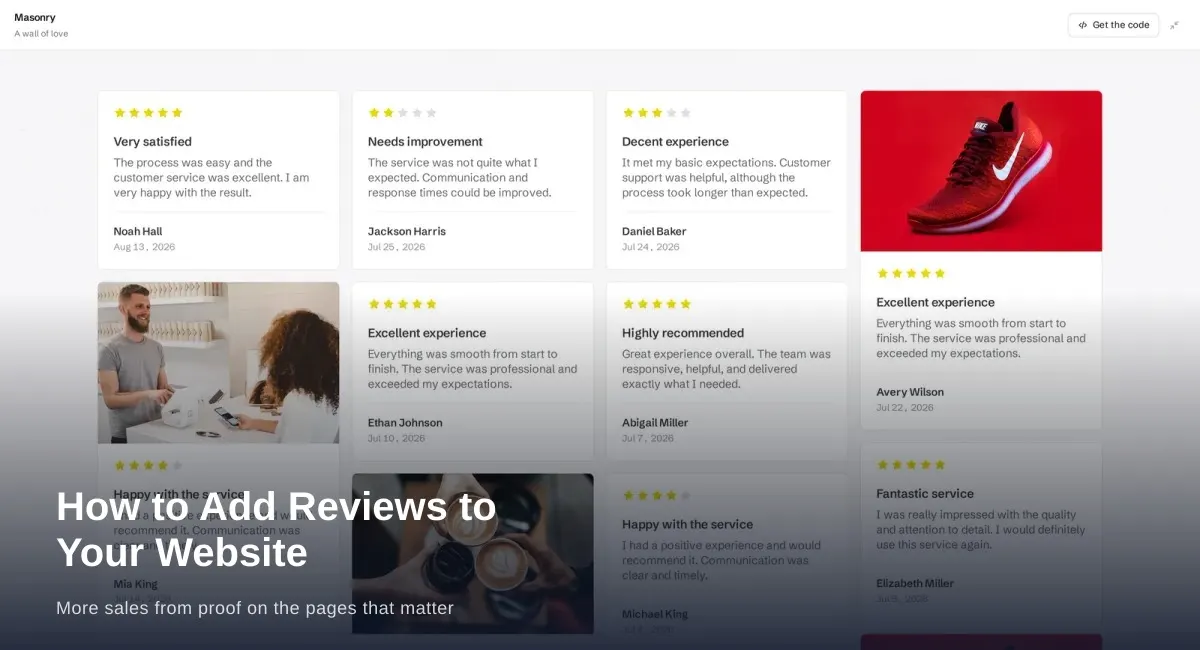
Add reviews to your website where people decide: homepage, product pages, services, and pricing. Build trust and sales with real customer proof.