
How to Add Google Reviews to a Framer Website
Add Google reviews to Framer with the ReviewsJet plugin. Search for your business by name, publish a short set, and Add to page on the canvas.
Share stylish review visuals on Instagram, Facebook, and Pinterest. Practical ways to turn customer feedback into social proof.

Plain text reviews get scrolled past. On Instagram, Facebook, and Pinterest, a clean review visual stops the thumb for a second longer, and that second is often the difference between a skim and a save.
This guide is a practical checklist of stylish ways to share customer reviews on social media. ReviewsJet helps with photo-ready layouts and review images you can screenshot or download, so you are not rebuilding the same quote graphic every week. For the same proof on your website, see Add Reviews to Your Website.
Feeds are crowded. A designed review image beats a long caption. People trust other buyers more than ad copy, and a clear visual still reads as proof when the words are the customer’s.
Done well, these posts grab attention in the grid, build credibility for profile visitors, and give happy customers something easy to share.
Pick two or three formats and rotate them. You do not need every idea every week.
One review, one strong sentence, star rating, first name (and city if you have it). Keep the text large enough to read on a phone. Soft background, brand color accent, no tiny paragraphs.
Pin a few to a Highlights reel labeled Reviews so new profile visitors see proof without digging.
A denser wall shows many voices at once. Screenshot a masonry section from your site or ReviewsJet preview, crop cleanly, and caption with one highlighted line. Use this when someone asks if you are legit and a single quote is not enough.
If customers send photos of the product or result, a grid tells a visual story. Lead with the best photo, put the rating and a short line on the first slide, then add detail on later slides.
On Pinterest, treat each pin as a mini landing card: clear outcome up front, a useful keyword in the description, and a link to the page that sells.
For services and transformations, pair a short review with a before/after. The review supplies the human story; the images supply the proof. Only use photos you have permission to share.
Pick one published review each week. Reuse the same template so the series feels branded. Add a poll or link sticker to the product page. Consistency beats one-off design sprints.
Ask a happy customer if you can share their first name, photo, and a line of feedback. Tag them when they are comfortable. Audience posts often travel farther than brand-only graphics.
If a review came from Google, Amazon, or Trustpilot, say so when that label helps trust. Keep the image simple. For bringing those sources onto your site, read Display Google, Yelp, and more.
You need a short path from review to post:
A small kit of layouts, used often, looks more professional than a new template every Monday.
Build a short stack of stylish review visuals, schedule them like any other content, and keep the reviews published in one place. When you are ready for site widgets too, start free and grow on pricing.
Import the reviews your customers already left, choose the ones worth showing, and put them on your site. The free plan does not ask for a card.
Add Google reviews to Framer with the ReviewsJet plugin. Search for your business by name, publish a short set, and Add to page on the canvas.
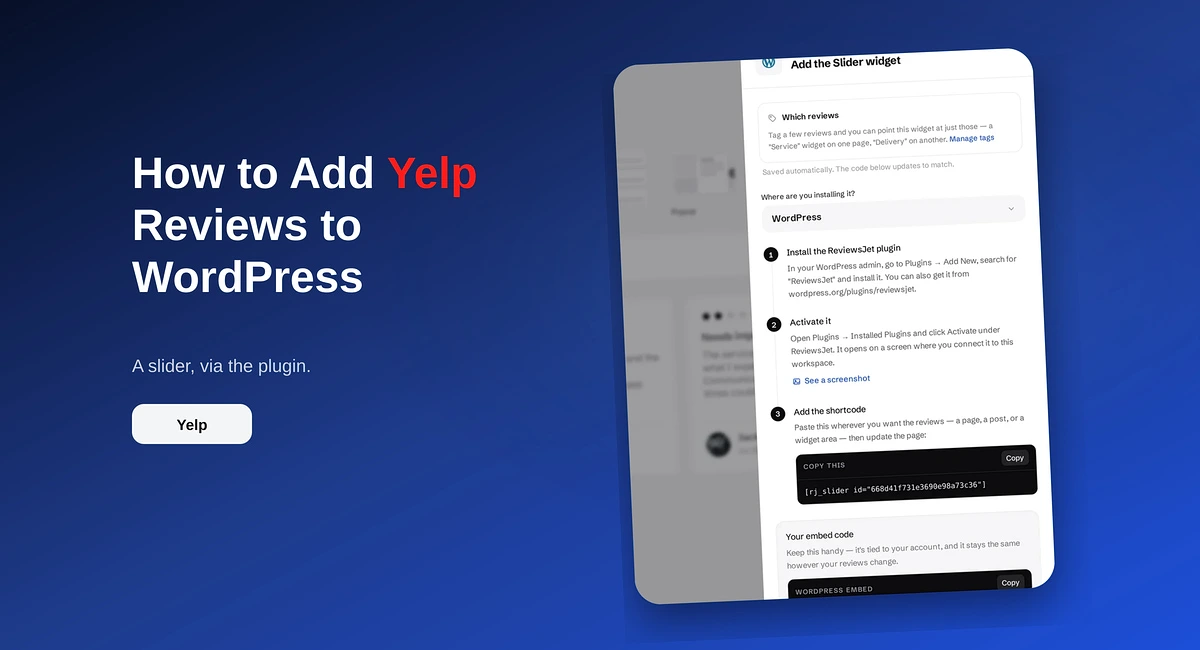
Add Yelp reviews to WordPress with the ReviewsJet plugin. Connect your Yelp page, publish a short set, and place the slider shortcode.
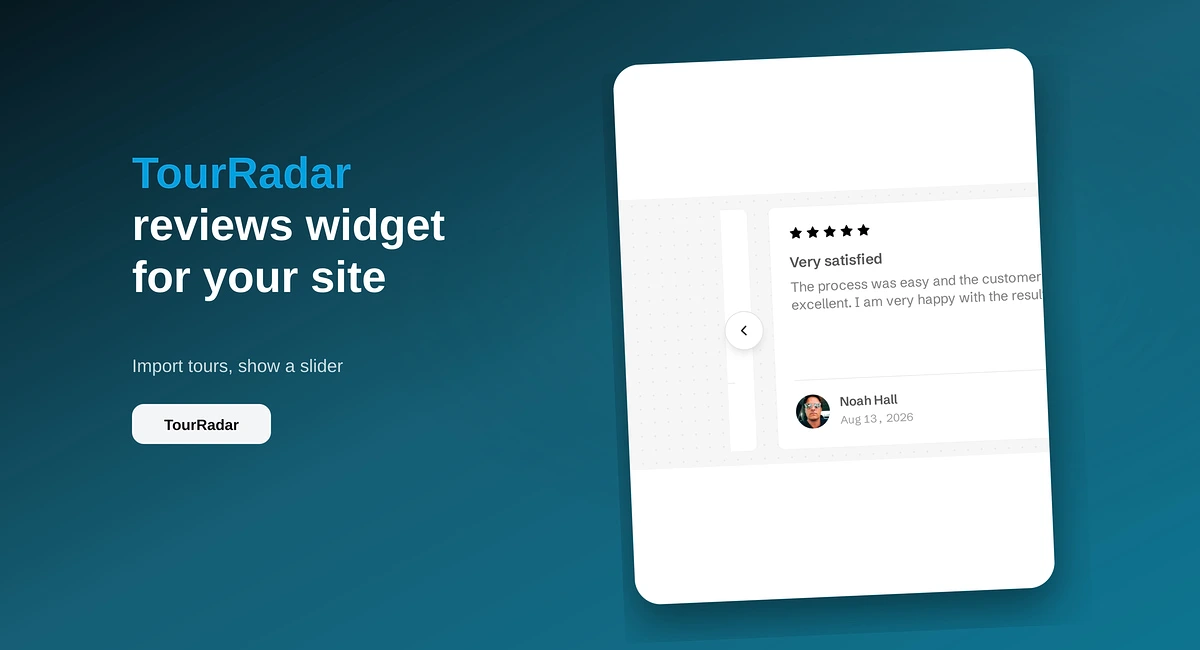
Put TourRadar operator reviews on your direct booking site with ReviewsJet. Chrome extension import, publish, and embed a slider widget.