
How to Add Google Reviews to a Framer Website
Add Google reviews to Framer with the ReviewsJet plugin. Search for your business by name, publish a short set, and Add to page on the canvas.
Build an SEO-friendly Wall of Love with ReviewsJet masonry. Show real customer reviews on your site in a layout visitors trust.

A Wall of Love is a curated visual collection of real customer reviews on your website. It is not a random dump of every comment you have ever received. You choose the strongest voices, arrange them so they are easy to scan, and put that proof where visitors decide.
ReviewsJet helps you build that wall with a masonry widget: photos, star ratings, and short stories in one layout that feels full without looking messy. You can also bring reviews in from Google, Yelp, TripAdvisor, Airbnb, Trustpilot, and marketplace sources, then publish only what you want public. For a broader placement guide, see Add Reviews to Your Website.
Think of it as a gallery of proof. Each card is a real review: a name, a rating, a sentence or two that names a result, and a photo when you have one.
That curation is the point. You are not hiding criticism by editing words into ads. You are choosing clear, specific praise that answers the doubts people already have. Vague “great service” lines are weaker than a short note about speed, fit, or what changed after they bought.
Visitors scan. A single quote in the footer is easy to miss. A wall of many voices feels harder to dismiss, because the pattern of positive experiences shows up at a glance.
It also beats sending people off-site. If they have to leave your page to hunt for Google or marketplace ratings, some never come back. Keeping the Wall of Love on your homepage, product page, or reviews page keeps proof and the call to action in the same place.
Social posts expire. Screenshots of Instagram stories do not help someone who landed from search and wants proof before they buy.
When reviews live on your website, they sit on pages you control. Search engines can see that content as part of your page. Visitors can read it without opening another tab. That is the practical SEO angle: useful, unique customer language on the pages that already rank for your services or products.
A visual widget is still social proof for people on the page. It is not the same thing as Google rich results in search. If you later want structured data tools, those are on Advanced under Display. Most businesses start by getting a strong wall live first.
Masonry works well when reviews vary in length. Short quotes sit next to longer stories and photo reviews without forcing every card into the same height. Grid is tidier when you want equal columns. Use masonry when you want the wall to feel abundant.
You can connect Google, Yelp, TripAdvisor, Airbnb, and Trustpilot with a public page URL. Etsy, AliExpress, Amazon, and TourRadar use the Chrome extension while you are signed in. Manual reviews work when someone emailed you feedback.
Free includes one connected source. Professional includes two. Advanced removes the source cap. Widgets are unlimited on every plan, so you can place the same Wall of Love on more than one page once the reviews are published. Numbers are on pricing.
If you want Google and Yelp in one widget, read Display Google, Yelp, and more. For a Google-only walkthrough, start with Display Google Reviews on Your Website.
Keep the wall readable on mobile. Prefer specific reviews over a huge pile of near-duplicates. Refresh published reviews over time so the wall does not feel stuck in last year.
Curate the reviews that tell your story, publish them in ReviewsJet, and place a masonry Wall of Love on the pages that sell. Start free, then move up on pricing when you need more published reviews or another source.
Import the reviews your customers already left, choose the ones worth showing, and put them on your site. The free plan does not ask for a card.
Add Google reviews to Framer with the ReviewsJet plugin. Search for your business by name, publish a short set, and Add to page on the canvas.
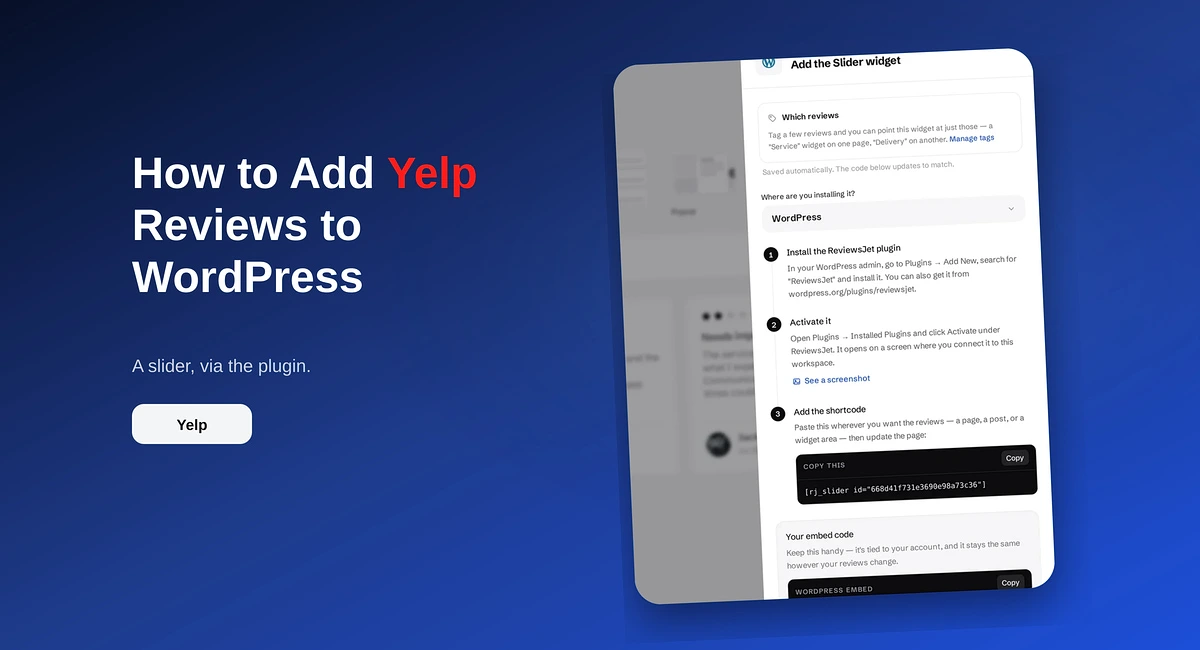
Add Yelp reviews to WordPress with the ReviewsJet plugin. Connect your Yelp page, publish a short set, and place the slider shortcode.
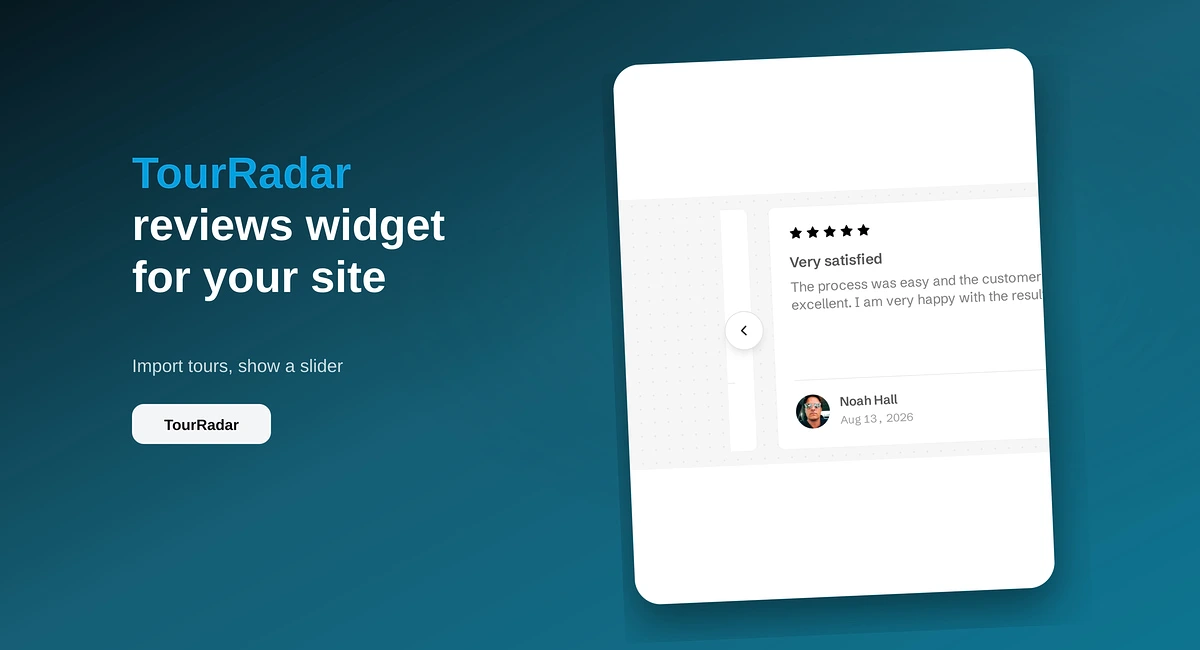
Put TourRadar operator reviews on your direct booking site with ReviewsJet. Chrome extension import, publish, and embed a slider widget.