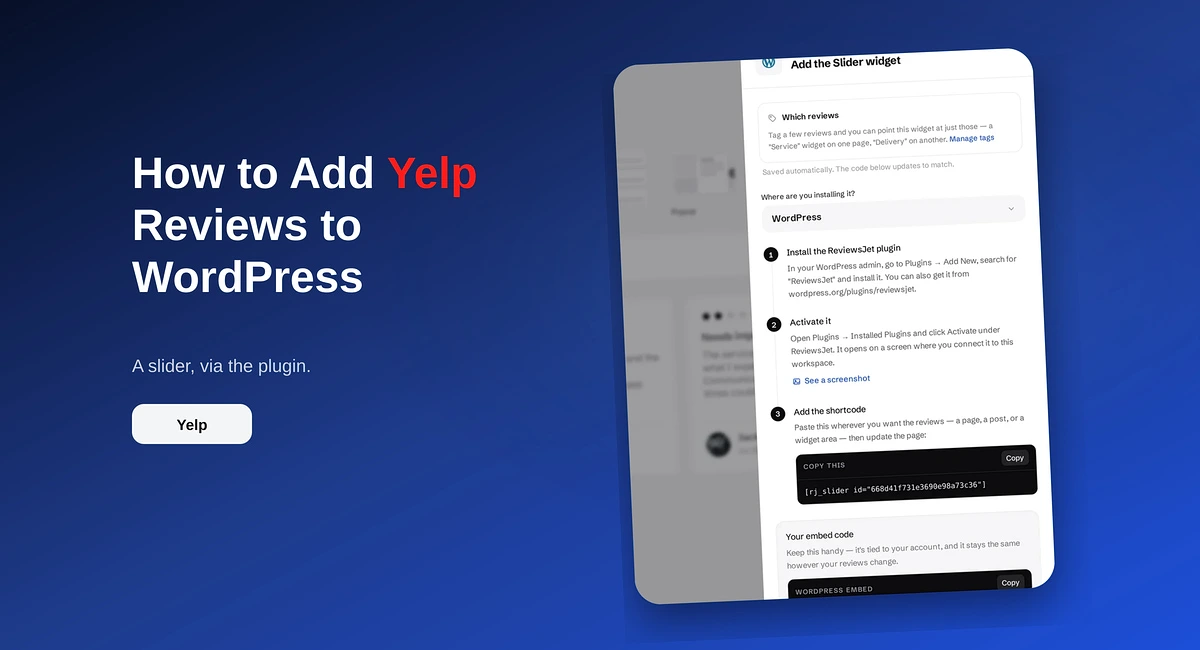
How to Add Yelp Reviews to WordPress
Add Yelp reviews to WordPress with the ReviewsJet plugin. Connect your Yelp page, publish a short set, and place the slider shortcode.
Learn how to boost customer reviews using ReviewsJet’s spin wheel rewards. Step-by-step guide to setup, customization, and sharing—drive engagement & loyalty!
In today’s digital-first marketplace, customer reviews are critical for building trust, improving SEO rankings, and driving conversions. Yet, businesses often struggle to motivate customers to leave feedback. Enter gamified spin wheel rewards—a proven strategy to make review-collecting engaging, effortless, and mutually rewarding.
This step-by-step guide walks you through setting up a spin wheel incentive system using ReviewsJet, a powerful review management platform. By the end, you’ll know exactly how to turn passive customers into enthusiastic reviewers.
If you have a Wix or Shopify website, you can create an account or log in to ReviewsJet using the links below:
If you have a Wix or Shopify website, you can create an account or log in to ReviewsJet using the links below:
If your website is built on a platform other than Wix or Shopify, you can log in or sign up directly at:
Navigate to the “Review Forms” page.
A default form is automatically generated, but you can create unlimited forms for different campaigns (e.g., product-specific feedback).
What’s a Review Form? A shareable link that directs customers to a branded, user-friendly review submission page.
Click the “Edit” button on your chosen review form.
Personalize the form to align with your brand:
Pro Tip: Use concise, friendly language to reduce friction.
Open the “Review Reward” section and enable rewards.
Configure Rules:
Customize the Spin Wheel:
Critical Note: Test discount codes beforehand to avoid redemption issues.
Test the Form: Click “View” to preview the form and spin wheel functionality.
Share via Multiple Channels:
Pro Tip: Use urgency in your messaging (e.g., “Spin Now—Your Reward Awaits!”).
Q: Can I use this for offline reviews?
A: Yes! Share the QR code on printed materials like receipts or flyers.
Q: Can customers spin the wheel more than once?
A: No. ReviewsJet limits spins to one per customer to maintain fairness and prevent reward abuse.
Q: Is ReviewsJet compatible with Shopify/WooCommerce?
A: Yes. Integrate directly to auto-pull customer lists from e-commerce platforms.
Gamified spin wheels transform review collection from a chore into an exciting opportunity for customers to engage with your brand. With ReviewsJet, setup takes minutes, and the ROI—more reviews, happier customers, and better visibility—is undeniable.
Ready to supercharge your review strategy? Sign up for ReviewsJet and launch your spin wheel campaign today!
Import the reviews your customers already left, choose the ones worth showing, and put them on your site. The free plan does not ask for a card.
Add Yelp reviews to WordPress with the ReviewsJet plugin. Connect your Yelp page, publish a short set, and place the slider shortcode.
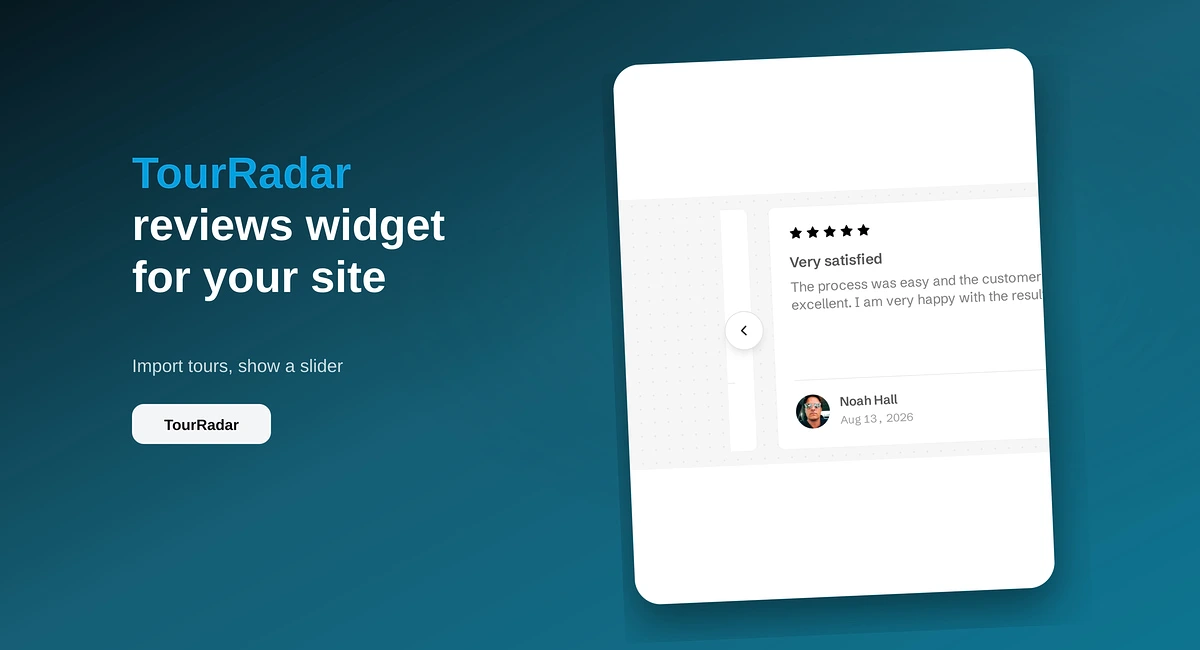
Put TourRadar operator reviews on your direct booking site with ReviewsJet. Chrome extension import, publish, and embed a slider widget.
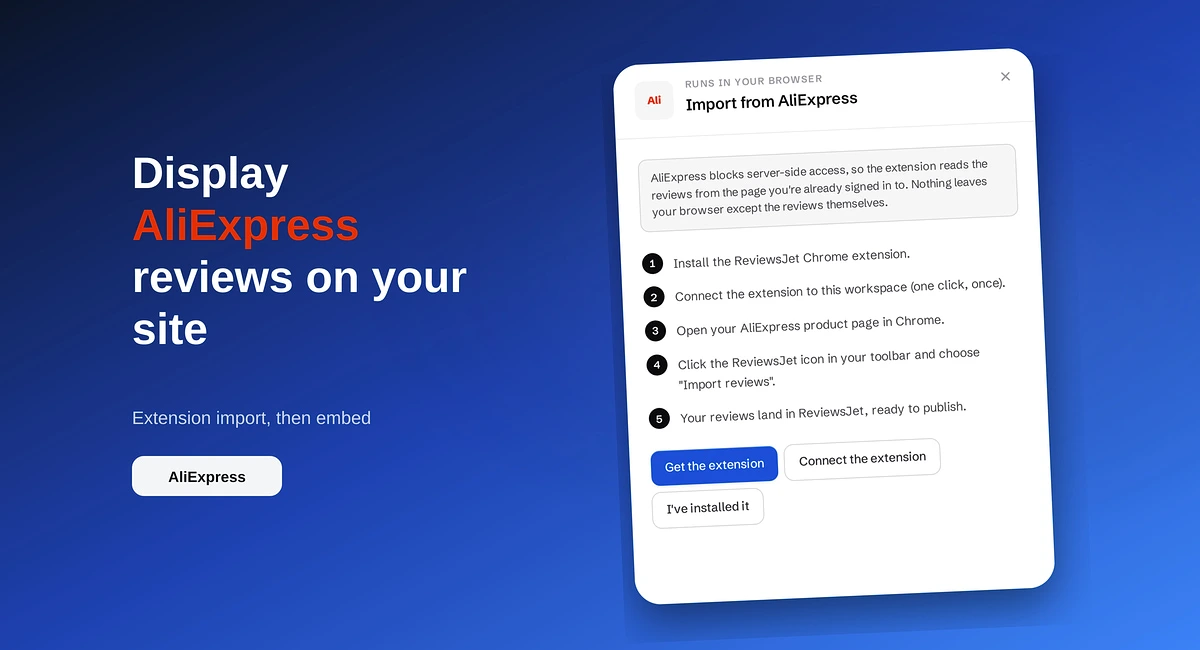
Import AliExpress product reviews with the ReviewsJet Chrome extension, publish photo reviews, and embed a masonry widget on your site.